
Record overview
See the everyday story in your records
The overview organizes saved care records into charts and sections. Review weight, walks, food, water and bathroom visits together to revisit your pet’s routine.
Get the app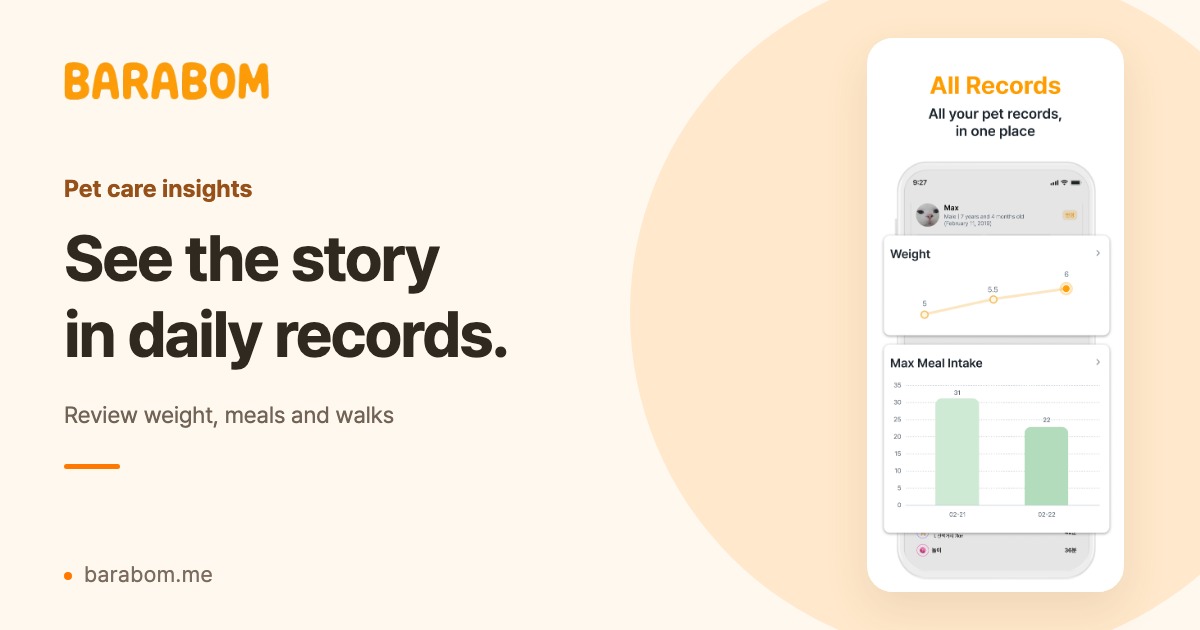
Look back over a period of time
Review several days of records together instead of relying on a single entry. Select a pet and period to find the details you want to revisit.
- Weight, walks and play
- Food, water and bathroom records
- Symptoms and expenses
Every chart starts with what you record
Keep missing days and small amounts of data in mind. Charts summarize your entries; they help you review records rather than assess a health condition.
How to get started
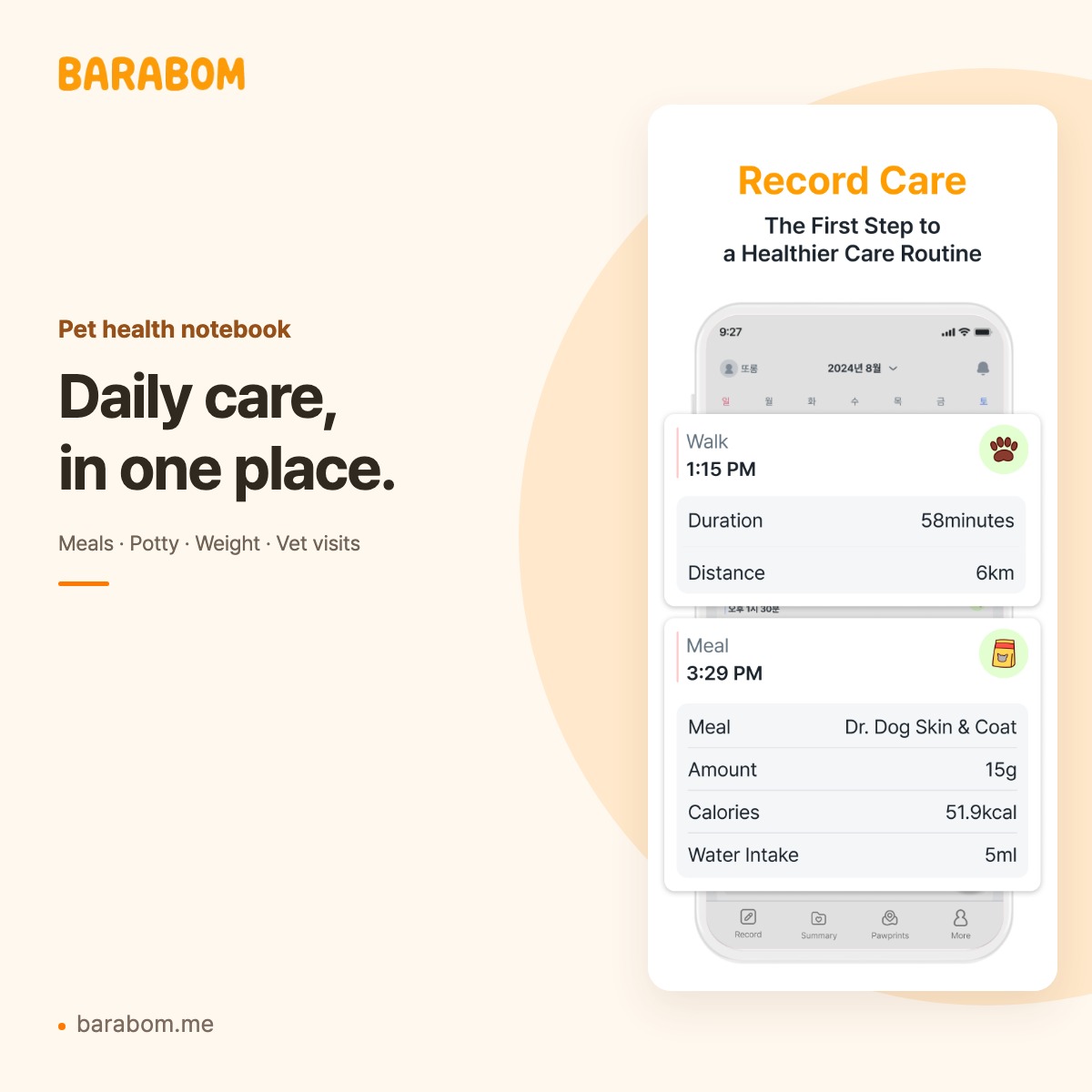
- Add everyday care entries to the journal.
- Choose your pet and a period in the overview.
- Review the charts and open the details you need.
Your questions, answered
Can I see weight changes in a chart?
Yes. Weight entries saved in the care journal can be reviewed in the overview chart.
What if I have not added any records?
The overview needs entries to show a category. Start with the records you need and review them as they build up.
Can this help me prepare for a vet appointment?
You can review a period of records to organize observations and questions. Discuss their health meaning with a veterinarian.
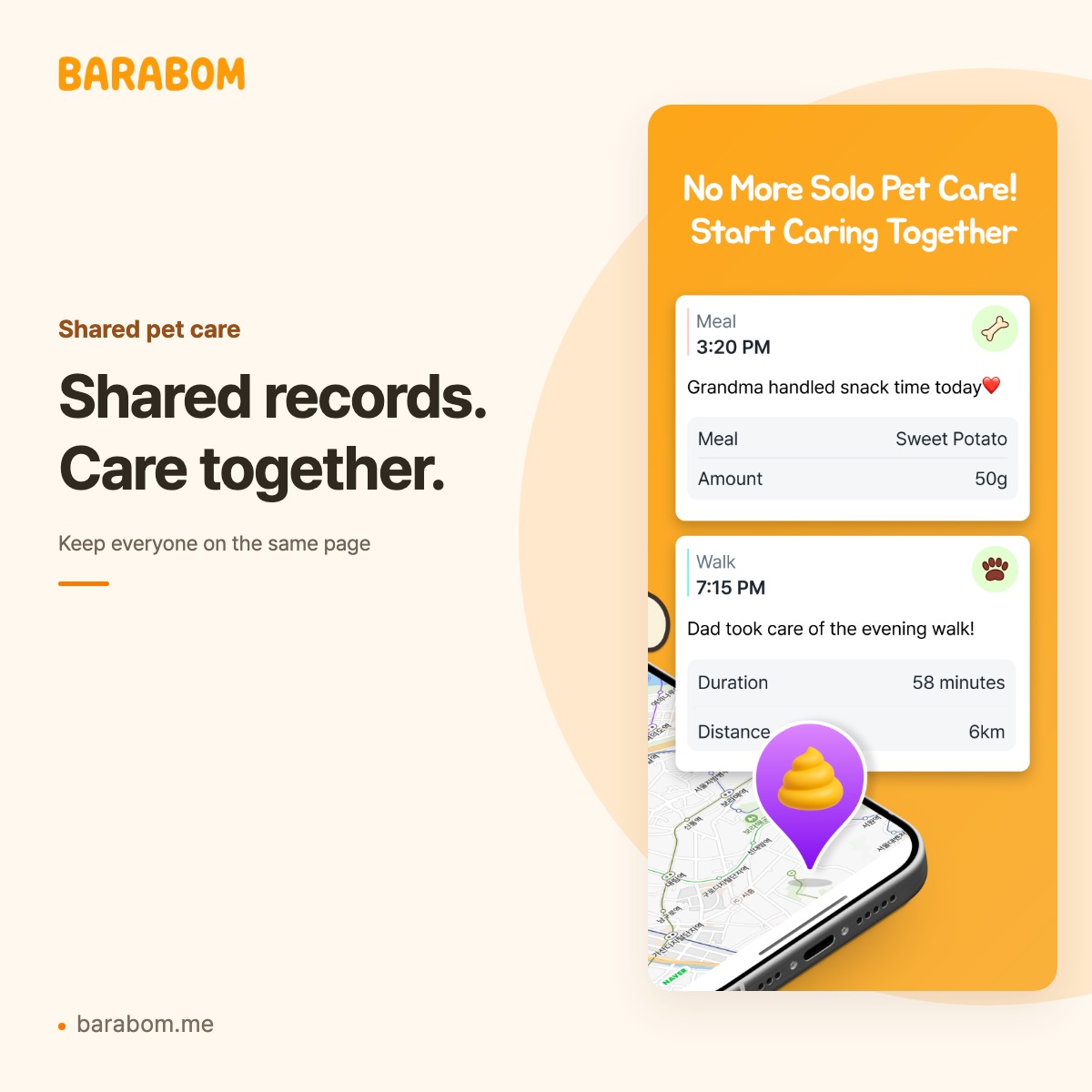
Smart Pet Health Notebook
Explore more


Barabom
Start with one small moment today
A meal, a walk, a note. Keep your pet’s day together with Barabom.
Check each store for supported devices, regional availability, the latest version and in-app purchases.